
Bullet 스크립트 생성
using UnityEngine;

public class Bullet : MonoBehaviour
{
    PlayerShoot playerShoot;
    public int damage;

    void Awake()
    {
        playerShoot = GameObject.Find("Player").GetComponent<PlayerShoot>();
    }

    void Update()
    {
        transform.Translate(Vector3.up * 10 * Time.deltaTime);

        if (transform.position.y > Camera.main.orthographicSize + 1)
        {
            BulletDestroy();
        }
    }

    public void BulletDestroy()
    {
        gameObject.SetActive(false);
        playerShoot.BulletDestroy(gameObject);
    }
}
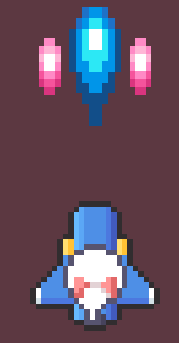
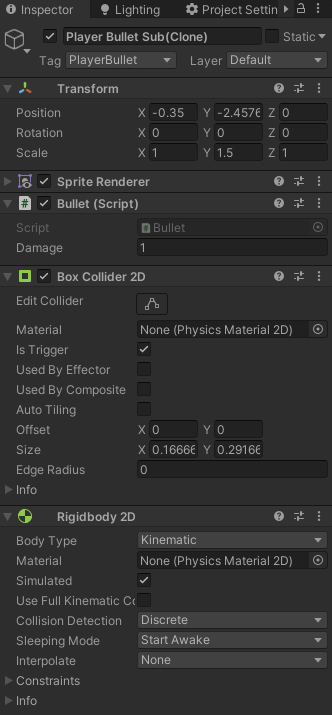
Main하고 Sub Bullet 오브젝트에 Bullet 스크립트를 추가
Box Collider 2D를 추가하고 Is Trigger를 체크하고
Rigidbody 2D도 추가한 다음에 Body Type을 Kinematic으로 변경
'Unity > 수업 내용' 카테고리의 다른 글
| [Unity 2020.3] Shooting Project 16일 까지의 작업물 (0) | 2021.10.17 |
|---|---|
| Shooting Project 스케줄 (0) | 2021.10.15 |
| [Unity 2020.3] Shooting Project 플레이어의 공격 생성, 오브젝트 풀링 (0) | 2021.10.13 |
| [Unity 2020.3] Shooting Project 플레이어 이동, 패럴렉스 스크롤링 (0) | 2021.10.13 |
| [Unity 2020.3] 애니메이션 Has Exit Time (0) | 2021.10.12 |