https://assetstore.unity.com/packages/tools/input-management/json-net-for-unity-11347
JSON .NET For Unity | 입출력 관리 | Unity Asset Store
Get the JSON .NET For Unity package from parentElement, LLC and speed up your game development process. Find this & other 입출력 관리 options on the Unity Asset Store.
assetstore.unity.com
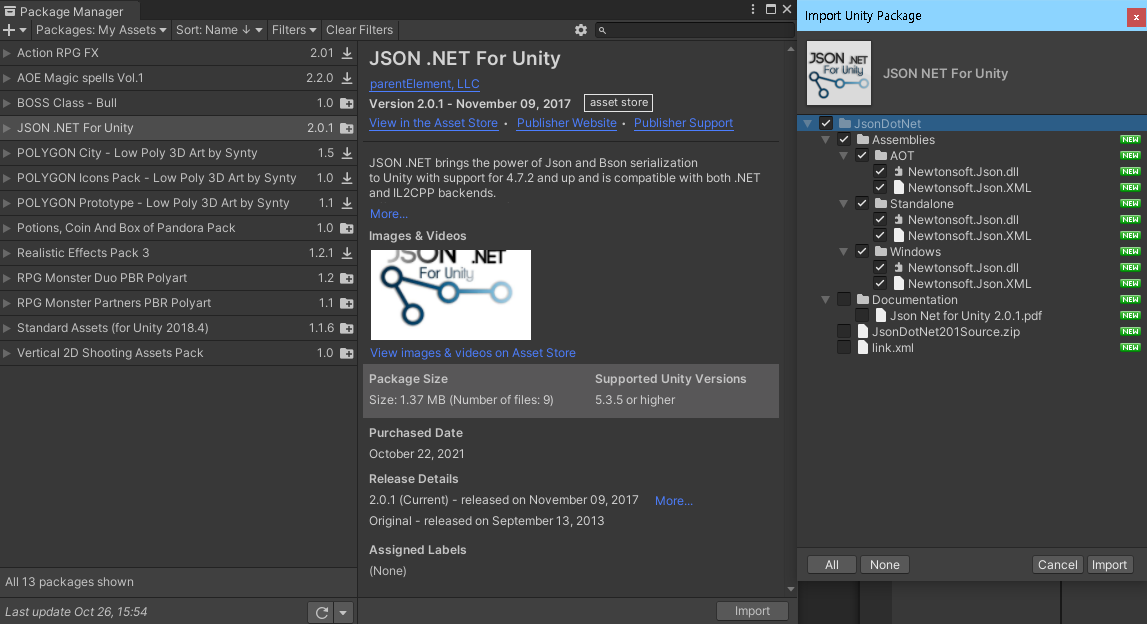
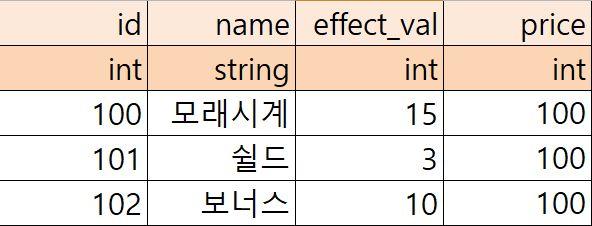
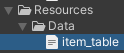
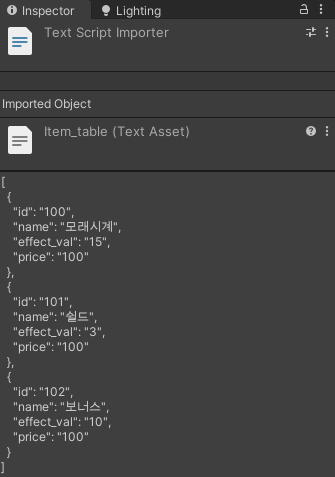
using System.Collections.Generic;
using UnityEngine;
using Newtonsoft.Json;
using System.Linq;

public class JsonSingleton
{
    private static JsonSingleton instance;

    private JsonSingleton() { }

    public static JsonSingleton Instance
    {
        get
        {
            if (instance == null)
                instance = new JsonSingleton();
            return instance;
        }
    }

    Dictionary<int, ItemData> dicItemDatas = new Dictionary<int, ItemData>();

    public void LoadData()
    {
        TextAsset json = Resources.Load<TextAsset>("Data/item_table");
        dicItemDatas = JsonConvert.DeserializeObject<ItemData[]>(json.text).ToDictionary(x => x.id);

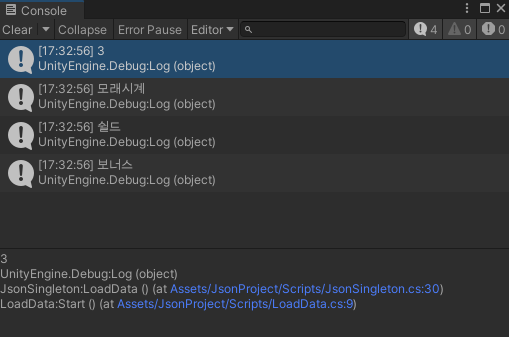
        Debug.Log(dicItemDatas.Count);
        Debug.Log(dicItemDatas[100].name);
        Debug.Log(dicItemDatas[101].name);
        Debug.Log(dicItemDatas[102].name);
    }
}
JsonSingleton.Instance.LoadData();
'Unity > 수업 내용' 카테고리의 다른 글
| [Unity 2020.3] UGUI 스테이지 점수 표시 (0) | 2021.10.28 |
|---|---|
| [Unity 2020.3] UGUI Slider, (0) | 2021.10.27 |
| [Unity 2020.3] Singleton (0) | 2021.10.26 |
| [Unity 2020.3] LoadSceneAsync 비동기 씬 전환, 데이터 전달 (0) | 2021.10.25 |
| [Unity 2020.3] 10-21 MiniRPG 경험치 UI, 이펙트 (0) | 2021.10.21 |